
Your route, day or night
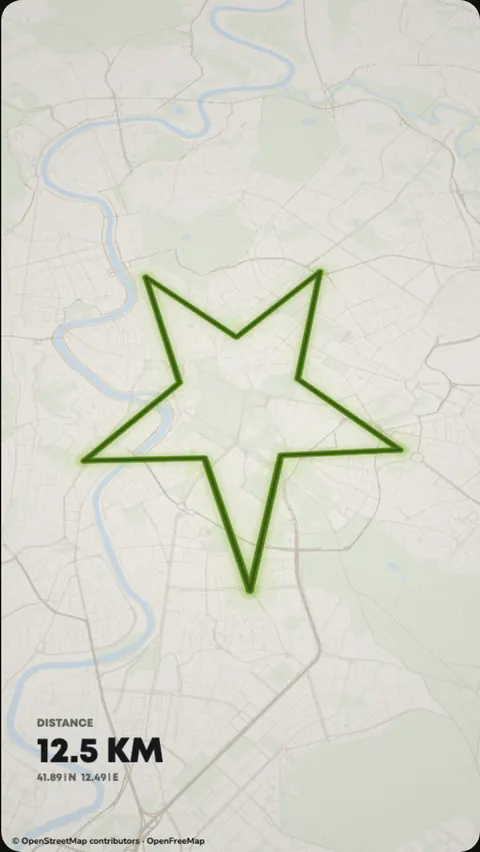
Same route, different mood. ☀️ A bright map for a clean look, or a dark one for that neon glow. You can now pick either for your RouteSketcher flyover reel.
Flip the checkbox
Open My Sketches, hit Create reel and find Map night in the settings.
- Checked: Map night, with a dark background.
- Unchecked: Map day, with a light background.

This is a Lifetime option. Free users see the checkbox too, but it stays checked and disabled.
Keep your color, change the mood
Neon Lime, Ice Blue, Sunset Pink or Paper—all work with either map. All four use darker lines in Map day so your route stands out. The text and logo adapt too.
Here's the same star with Map night on. 🌙
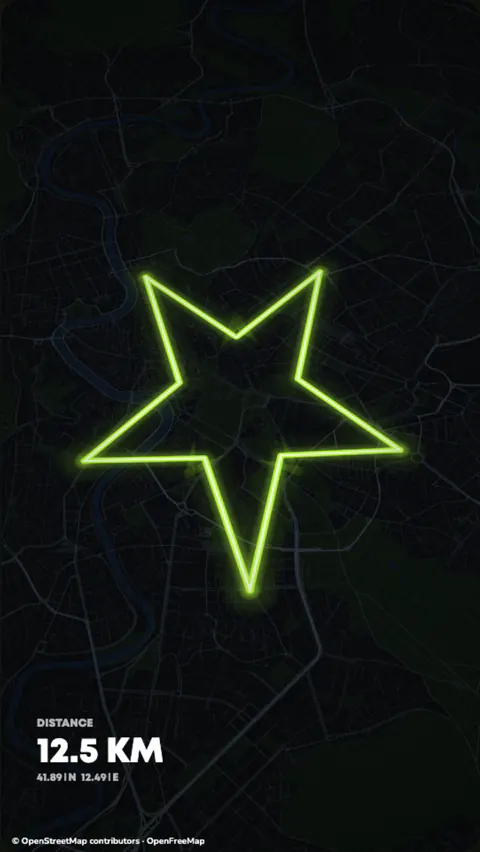
The preview updates when you switch. Your choice also carries through to Create reel and Create premium full HD reel.
New to making route videos? Follow the flyover reel guide, then try both looks on your own GPS art.