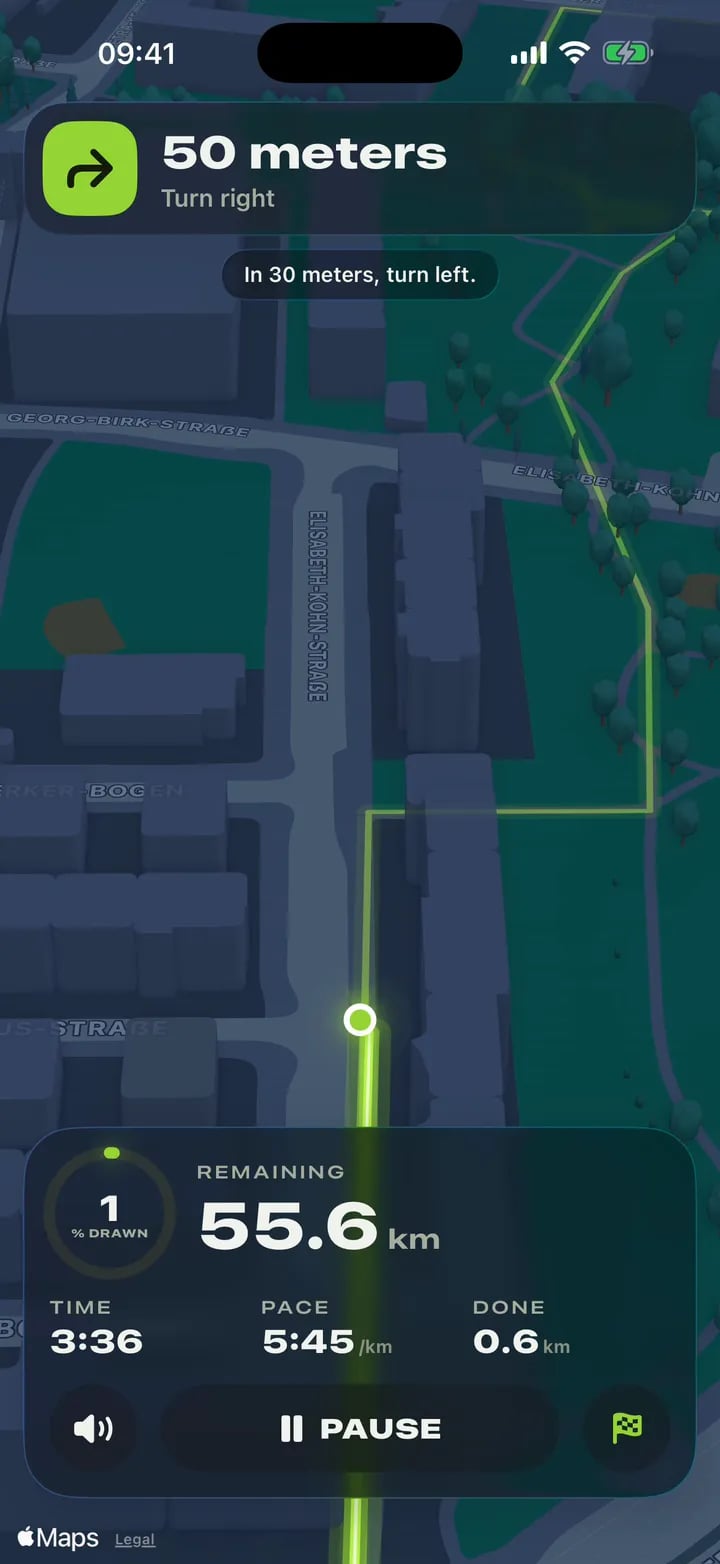
A voice for every turn
It calls each turn before you get there, with the screen off and the phone away. Your music dips under it and keeps playing.

GPS art made easy. Draw any shape, snap it to real streets, then run it with a voice calling every turn.


On your computer? Point your iPhone camera here.
For iPhone with iOS 26 or later.
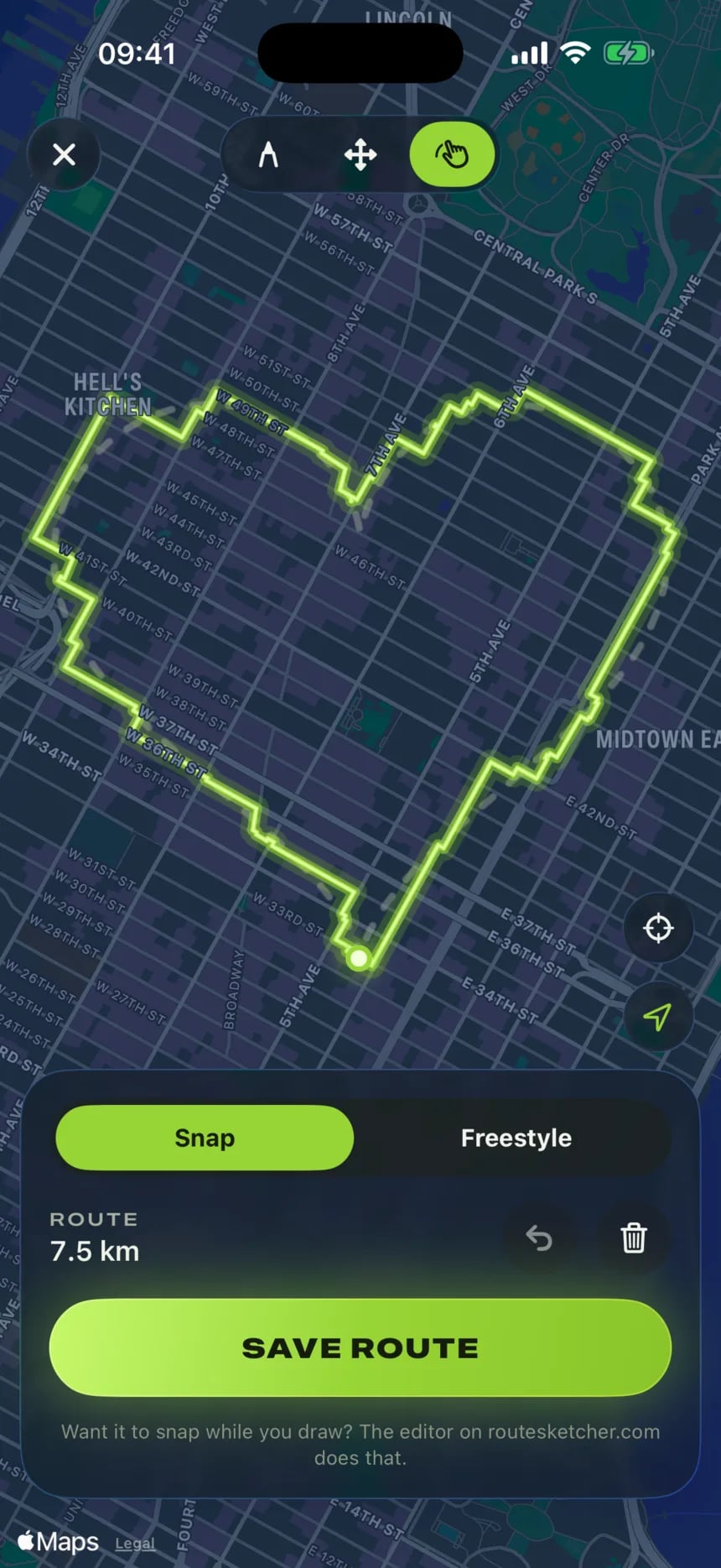
01 Draw and Snap
Sketch any shape with your finger. Snap puts it on real streets.
Or drop a heart, a star or a cat from the gallery right on your city.
02 Follow mode
Your phone calls every turn. Even from your pocket.
A voice before each turn, a tap pattern you can feel, and the art filling in on your Lock Screen.
03 Reel studio
Your run becomes a reel, with music. Straight to the group chat.
Nine to fifteen seconds, cut to the beat, made right on your phone.
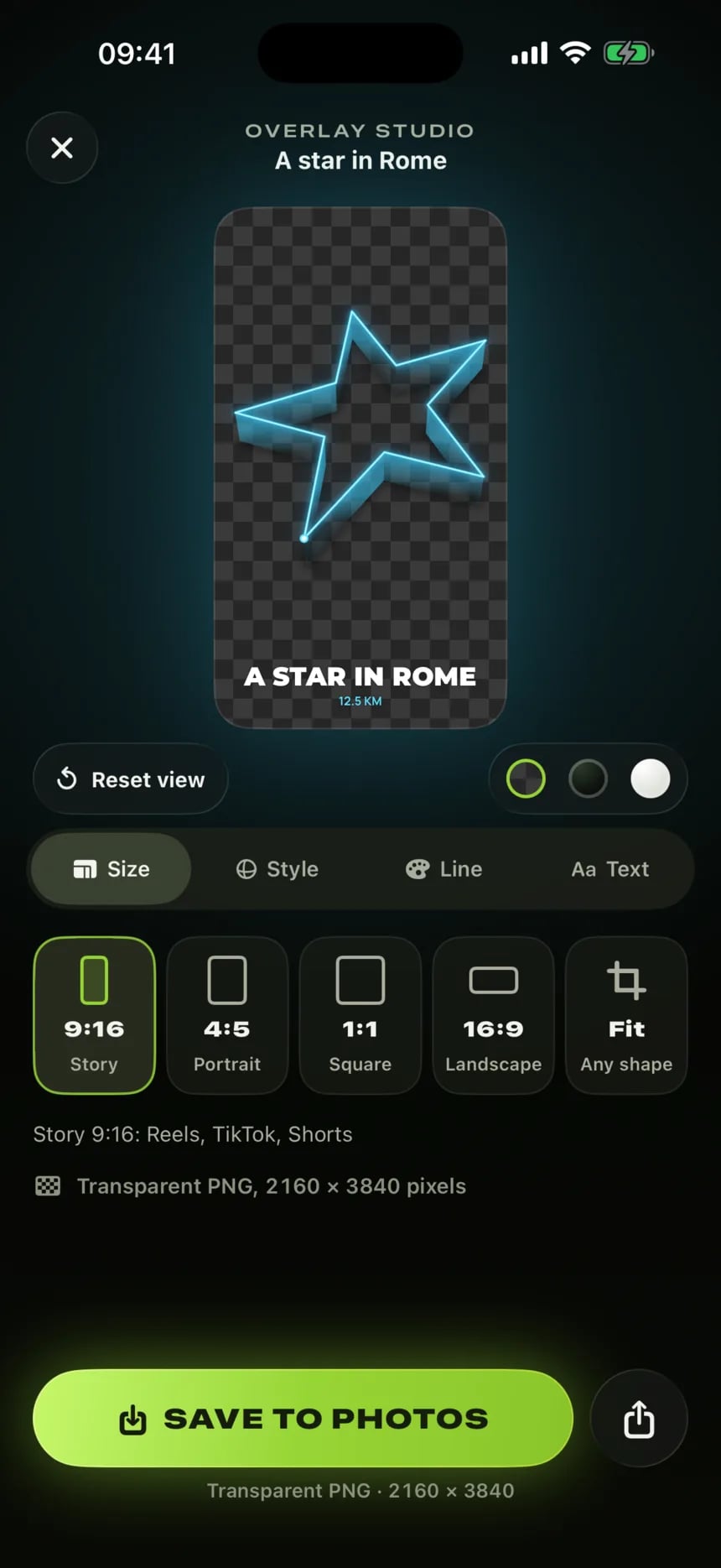
04 Overlay studio
A transparent PNG of your art. It just floats there.
Flat, or as a glowing 3D wall. Save it to Photos, then stick it on any photo or story.
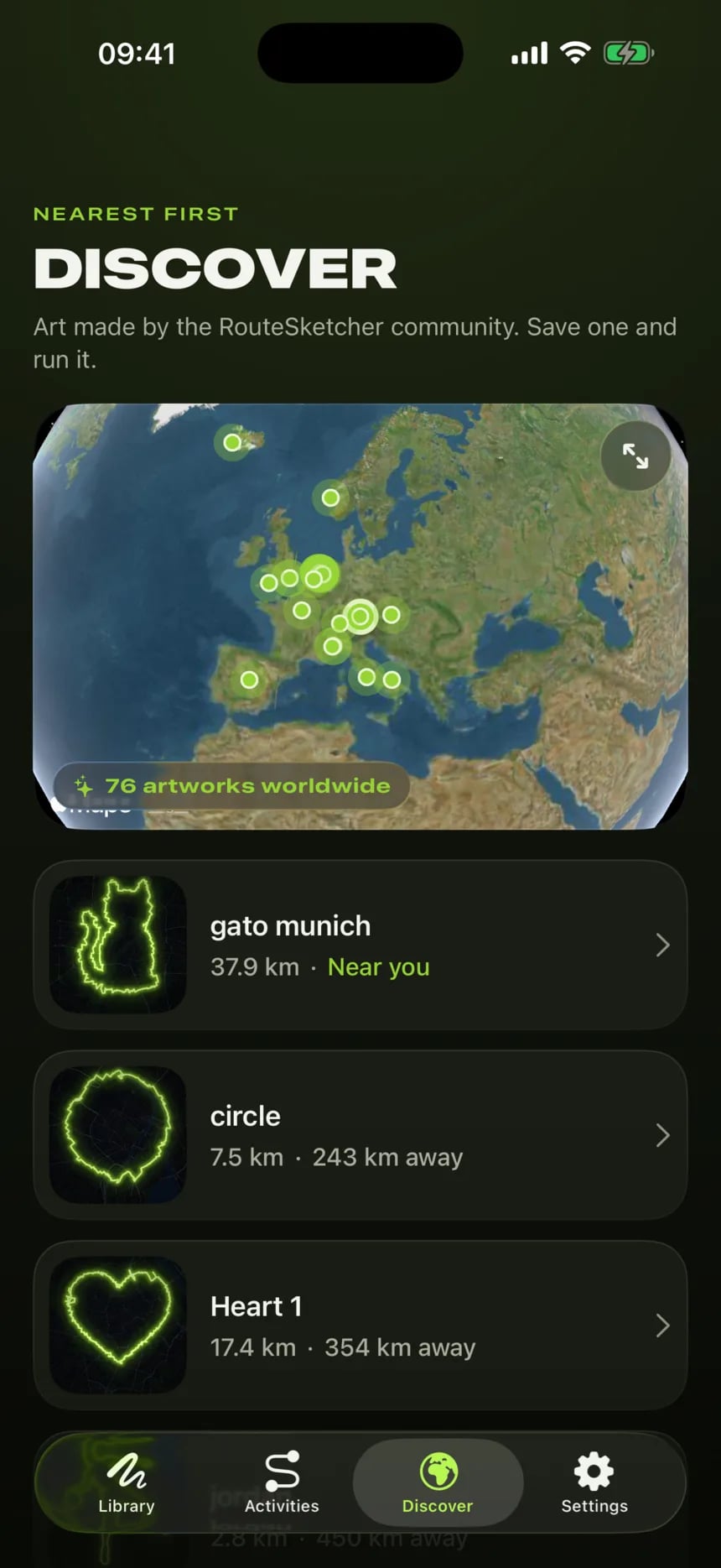
05 Discover
GPS art from all over the world. Drop one on your city.
Nearest first, so the next one might start around the corner.
Works with routesketcher.com
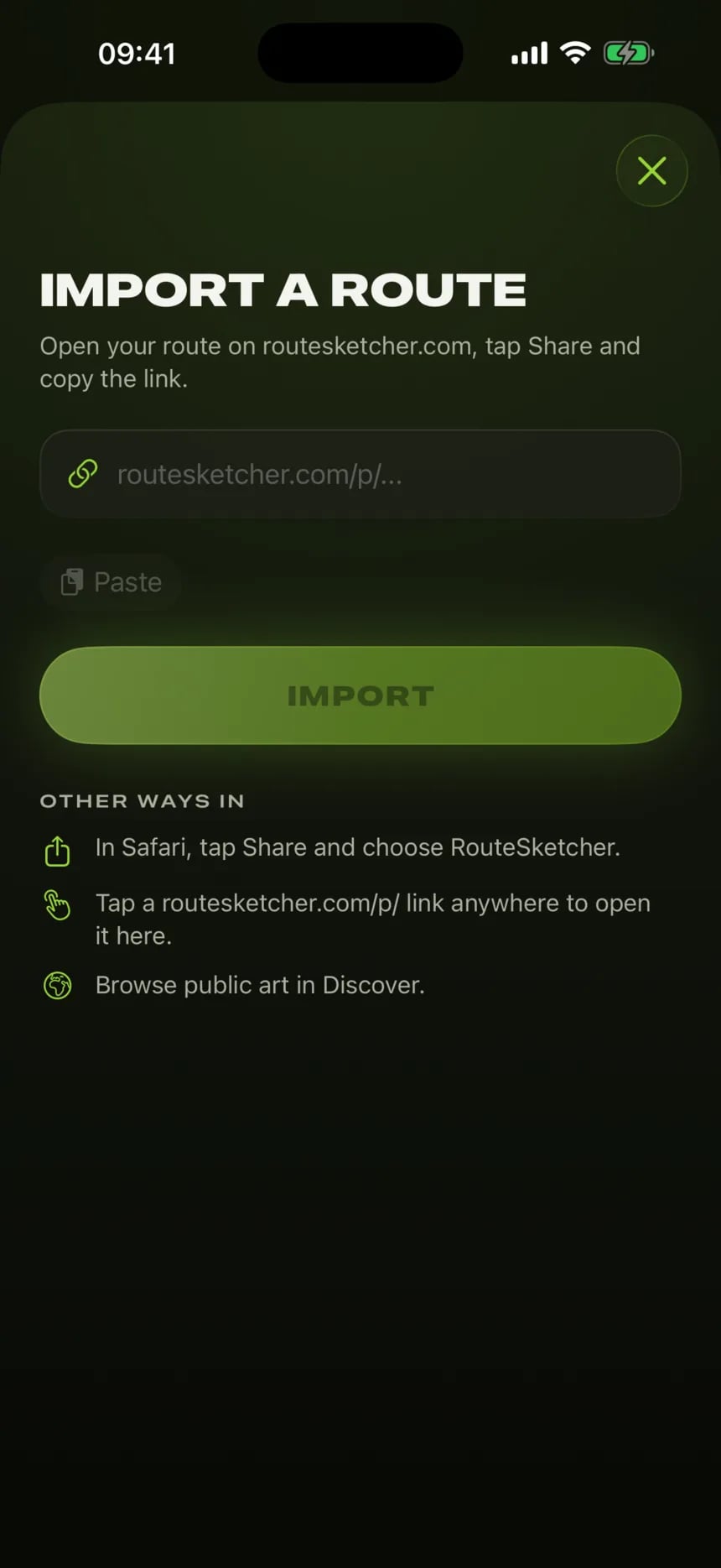
Any routesketcher.com link opens in the app, ready to run. Connect your account and your private sketches come along too.
Made for the actual run
It calls each turn before you get there, with the screen off and the phone away. Your music dips under it and keeps playing.
Left and right tap differently, so you know the way without looking.
A warning tap and the way back, before the art breaks.
The next turn and the art filling in, on the Lock Screen and in the Dynamic Island. No unlocking.
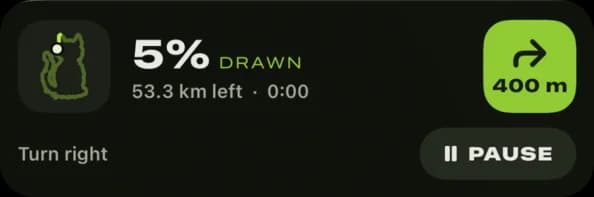
From a 5K heart to a 56 km cat, at your own pace.
Export the finished run for Strava, Garmin or Komoot.
Routes and runs back up to your own iCloud. Your location never comes to us.
Questions
An app that turns a drawing into a route. You draw a shape on the map, the app fits it to real streets, and you run, ride or walk it. Your GPS track draws the shape, and it shows up on your Strava map. That’s GPS art, also called Strava art.
The download is free, and your first GPS art is on us: a heart around you, ready to run. Pro unlocks the rest: drawing and importing, the shape gallery, following any route, reels, overlays, GPX export and your routesketcher.com account. It's monthly or yearly, and new subscribers get a free week.
Draw a shape with your finger and tap Snap to put it on real streets. Press Start and follow the voice: it calls every turn, so the phone can stay in your pocket. When you're done, export the run as a GPX file and upload it to Strava.
Any iPhone with iOS 26 or later.
Yes. Run, ride or walk: the voice and the turn calls work the same, and you can switch on split announcements if you want them.
Yes. Lock it and put it away: the voice and the taps keep coming, and the Lock Screen and the Dynamic Island show the art filling in.
Export the finished run as a GPX file and upload it to Strava, Garmin Connect, Komoot or anything else that takes GPX.
No. Your routes and runs live on your iPhone and back up to your own iCloud. A routesketcher.com account is optional, for bringing your web sketches along.
No. Your GPS track stays on your phone and in your iCloud. Snap only sends the shape you drew, to fit it to the streets.
Yes. Open the link on your iPhone, share it from Safari, or connect your account to see all your sketches in the app.
Not yet. On Android, draw your GPS art on routesketcher.com in the browser, download the GPX and follow it with your watch or your running app.
Email [email protected]. In the app it’s also under Settings › Contact support.
Your city is waiting
Draw it. Run it. Post it. Then find the next one.
On your computer? Point your iPhone camera here.
For iPhone with iOS 26 or later.