
Draw as big as you like
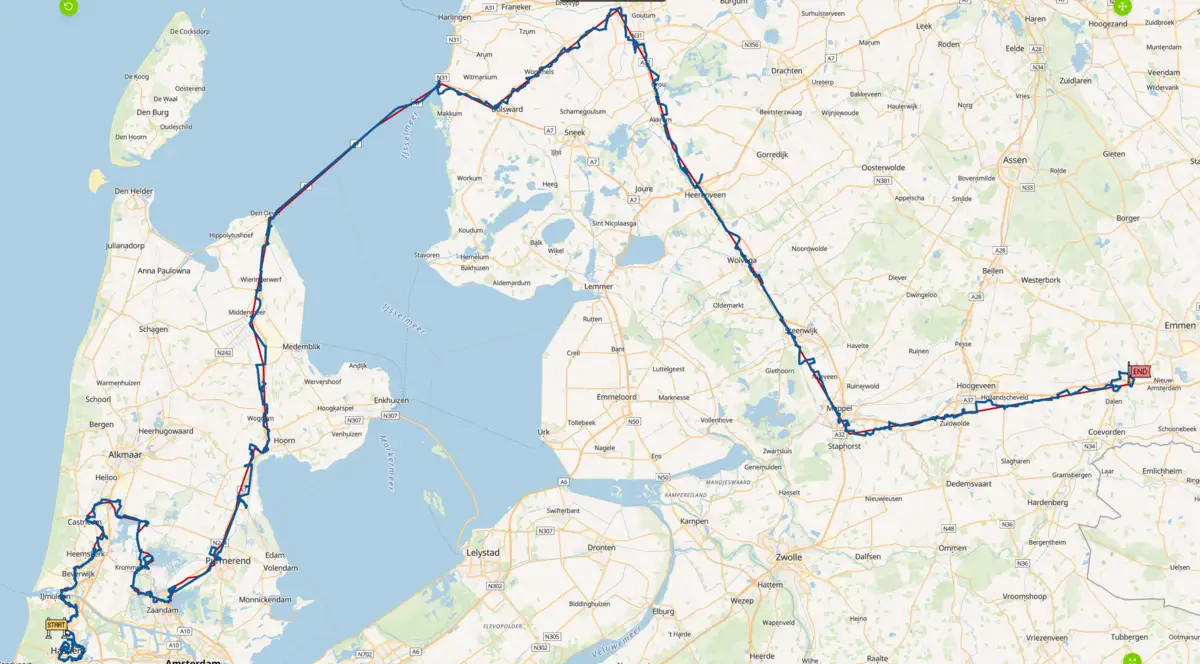
Big GPS art used to be where the editor struggled: every pause on a long route froze the page while it snapped, and zooming out over a whole region meant loading every street on screen. 🐢 Not anymore. Draw across a city, a province or half the country, and the editor keeps up.
What changed
- No more freezing. Snapping now runs in the background, and about a third faster. Keep drawing, panning and zooming while a long route snaps.
- A spinner while it works. When a snap takes more than a moment, an orange spinner shows in the middle of your sketch. It goes away as soon as the new route is on the map.
- Roads load along your line. Instead of every street on screen, the editor loads the roads near your drawing, and a little more as it grows. Where the route has to go round water or an airport, it looks further out. Less to download, and zooming out to draw something huge just works.
- Handles you can control. Resizing and rotating with the handles on the box round your sketch now follow your mouse or finger. A big sketch grows and turns smoothly instead of racing away.
- Routes go round runways. A snapped route no longer cuts straight across an airport. It takes the nearest road round instead.
- Reels that keep up. In a Chase & Reveal reel of a long route, the camera follows just the start, then zooms out with your whole route in view, instead of racing across the country.
How big can you go?
The roads your sketch snaps to live in your device's memory, and the editor keeps them within a safe share of it, smaller on phones and tablets. That's plenty for dozens of kilometres through a dense city centre, and much more in the countryside, where there are fewer streets per kilometre.
If a sketch's roads don't fit, the editor tells you and shows it as drawn instead of slowing everything down. On a phone, save it and open it on a computer: it has room for a lot more.
Tips for big sketches
- Snap the big ones on a computer. It has more memory and a bigger screen for checking the route.
- Zoom in on the details. On a long route, small wiggles hide when you're zoomed out. Zoom in to check that each bit lands on the street you want.
- Mind the city centres. A straight stretch through the countryside needs few roads. Loops and zigzags through a busy centre need the most.
Now go draw something huge. 🗺️