
One tap with your Apple Account
No new password to remember. 🍏 You can now log in and sign up to RouteSketcher with your Apple Account, right next to Google and email.
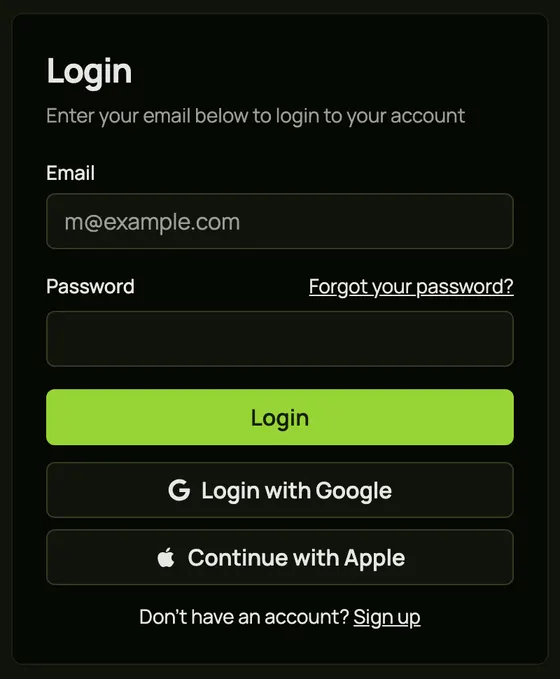
How to sign in with Apple
- Open the Login page, or Sign up if you're new.
- Hit Continue with Apple.
- Confirm with Face ID, Touch ID or your Apple Account password.
New here? Your account is created on the spot, just like with Google.
Keep one account
RouteSketcher matches accounts by email. Already signed up with Google or email? Pick the same email when Apple asks, and you land in your existing account.
If you choose Hide My Email, Apple gives RouteSketcher a private relay address instead, and that's a new, separate account. So if you already have sketches here, share your real email, or keep using the sign-in you started with.